Slack Migration Scopes
Slack To Teams Migration
Below is a list of currently migrated building-blocks of slack.
To check list of features currently not-in-scope of migration visit page Slack Limitations
- Channel Name & Description
- Message Reply Chain
- Conversations messages original posting date/times
- Rich Text Content - numbered lists, bullet points, code blocks, blockquotes, bold, italic, strikethrough texts, links
- Conversation messages Authors
- Posted Images
- Posted Videos
- Attached Files
- Files Shared inside Slack Channel
- Conversation emojis
| Feature | Explanation |
|---|---|
| Channel Name & Description | Migrating from Slack to Teams allows you to persist original channel Name and description. Before Migration: 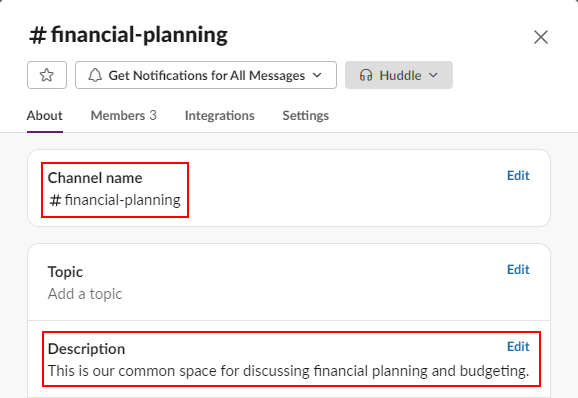 After Migration: 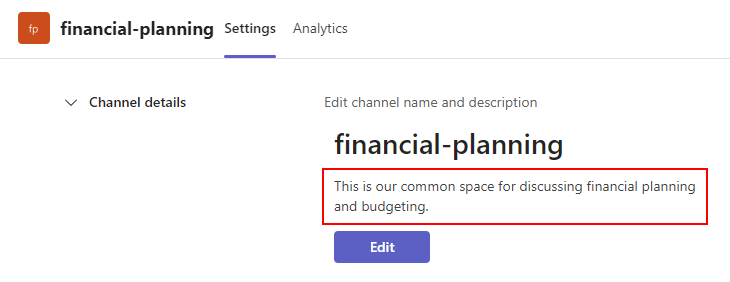 |
| Message Reply Chain | All nested conversations in Slack are migrated to similar Channel threads in Teams: Before Migration: 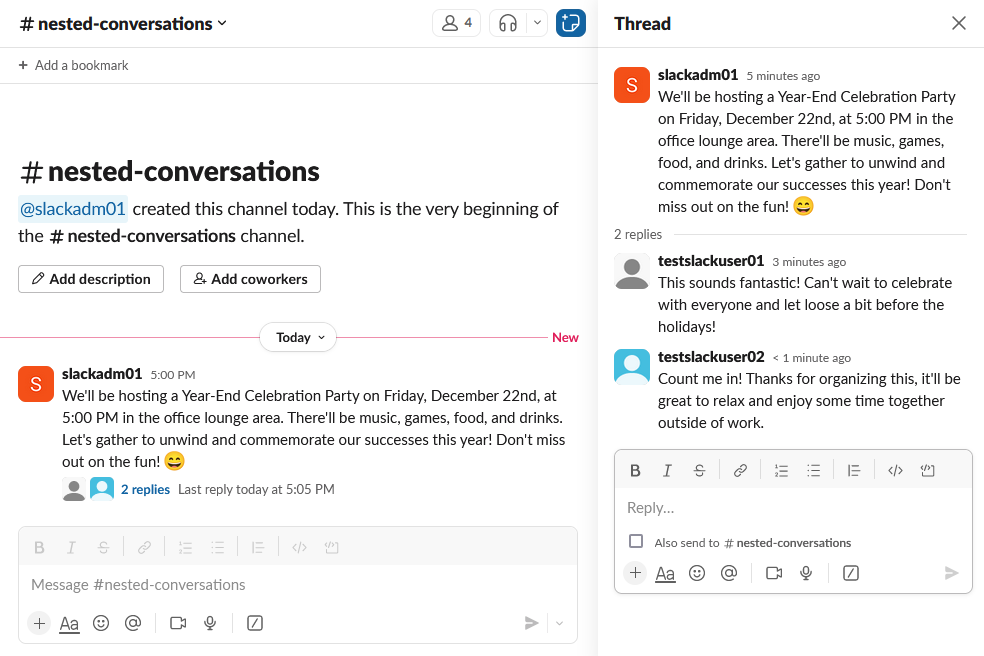 After Migration: 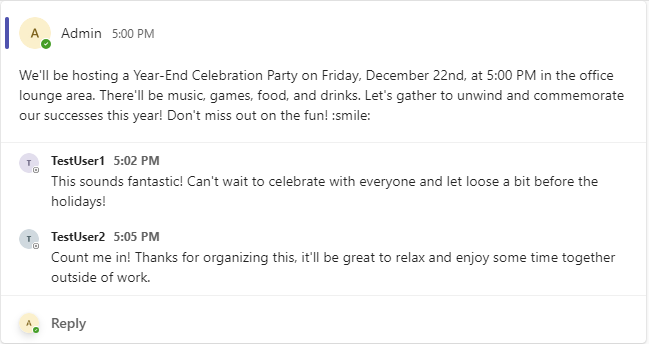 |
| Conversations messages original posting date/times | All original posting dates/times are preserved. However - the format of date/time could be different, depending on your Teams settings: Before Migration:  After Migration:  |
| Rich Text Content | All standard Slack rich text formatting is migrated to Teams. It includes:
Before Migration: 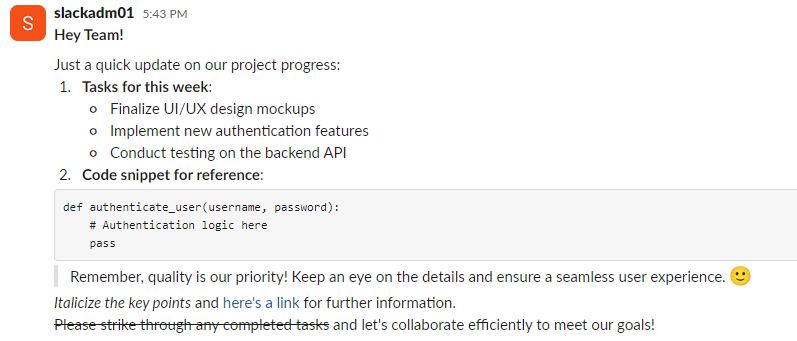 After Migration: 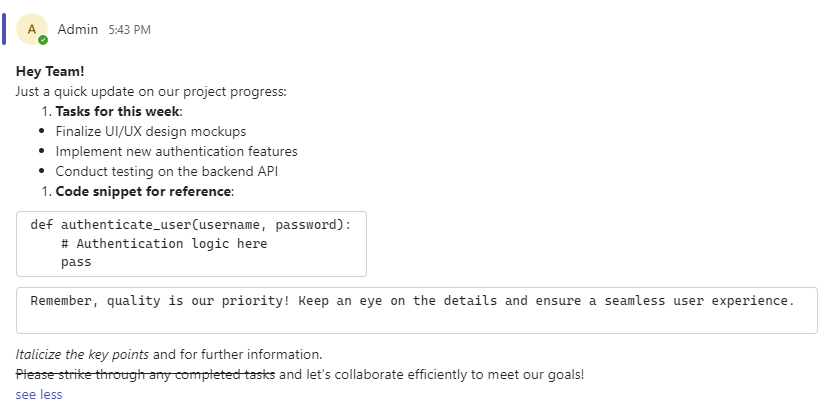 |
| Users Remapping | We remap all users based on your priorities. All user fields, including messages, uploaded files etc. will be recreated with remapped username, so you don't lose historical data: Message Before Migration:  Message After User Remapping:  |
| Images | All images posted in your conversations will be migrated to Teams: Before Migration: 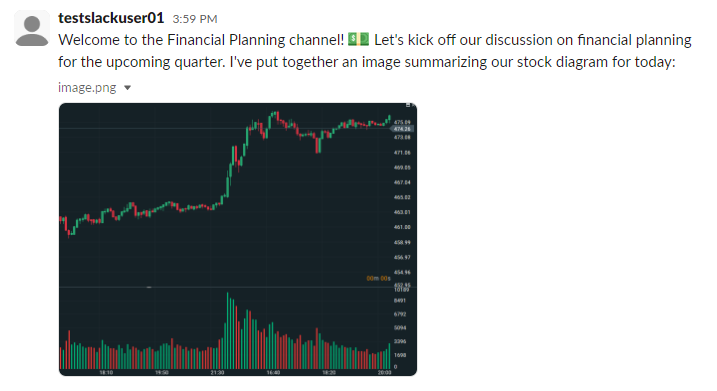 After Migration: 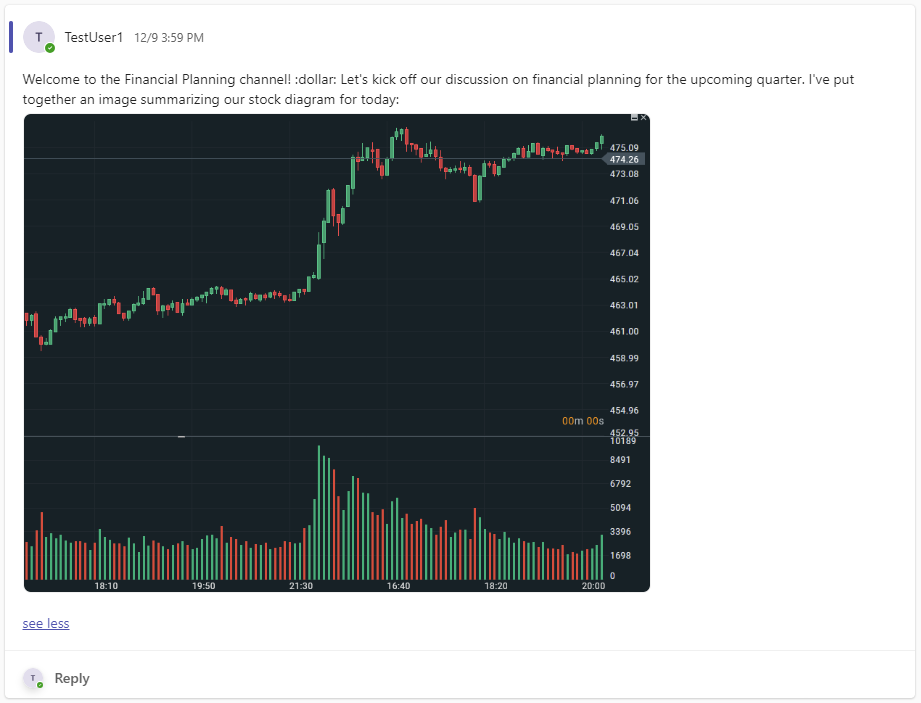 |
| Videos | All videos posted in your conversations will be migrated to Teams. All videos are playable inside Teams channel. Before Migration: 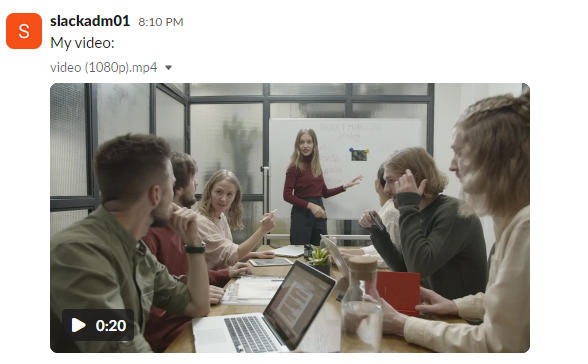 After Migration: 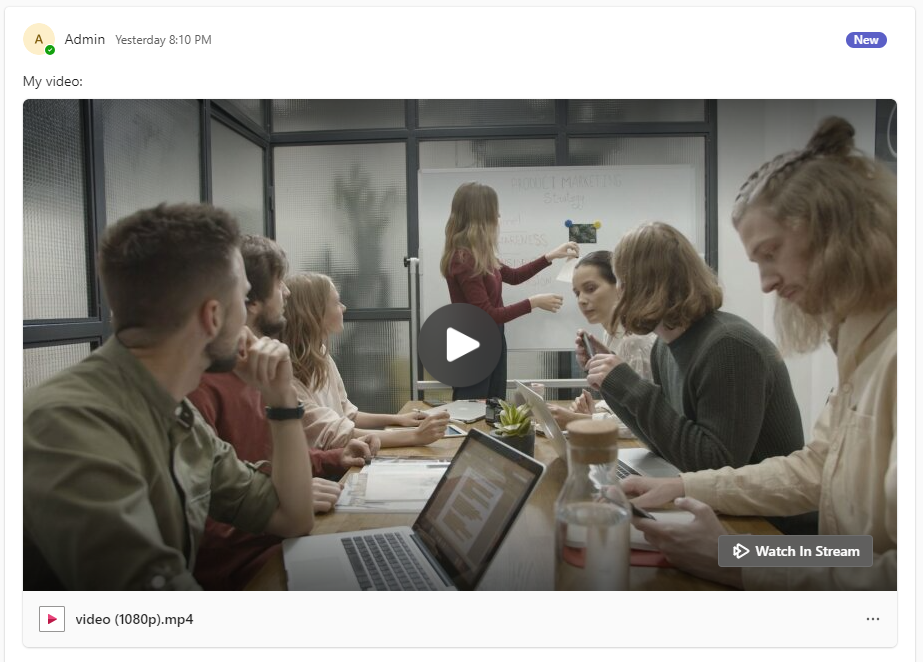 |
| File attachments | All file attachments are migrated and copy is residing on SharePoint teams channel. NOTE: Attached files do not have preview because Teams does not support this option. Before Migration: 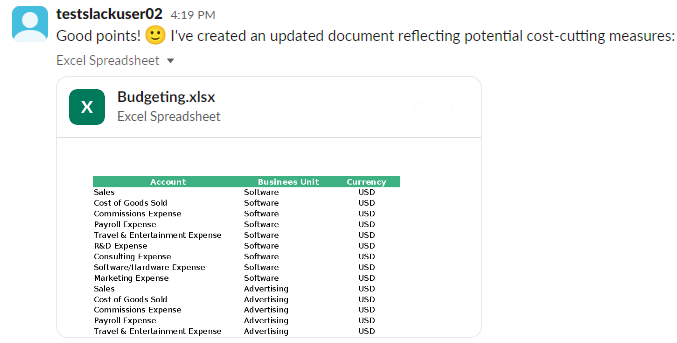 After Migration: 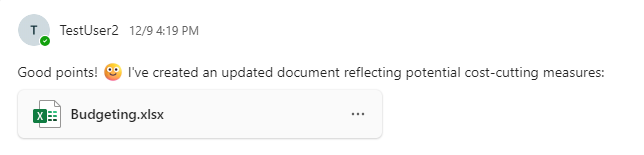 |
| Files Shared inside Slack Channel | All files shared inside the channel are migrated to SharePoint teams channel. Before Migration: 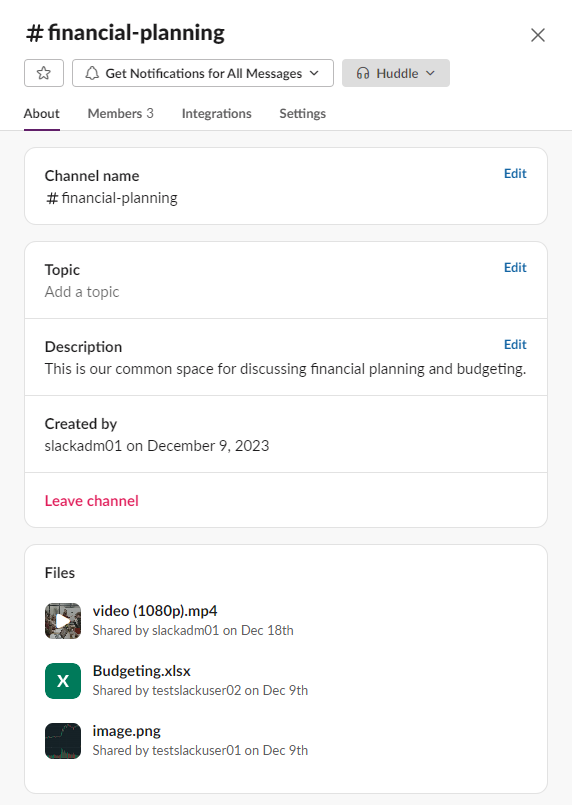 After Migration: 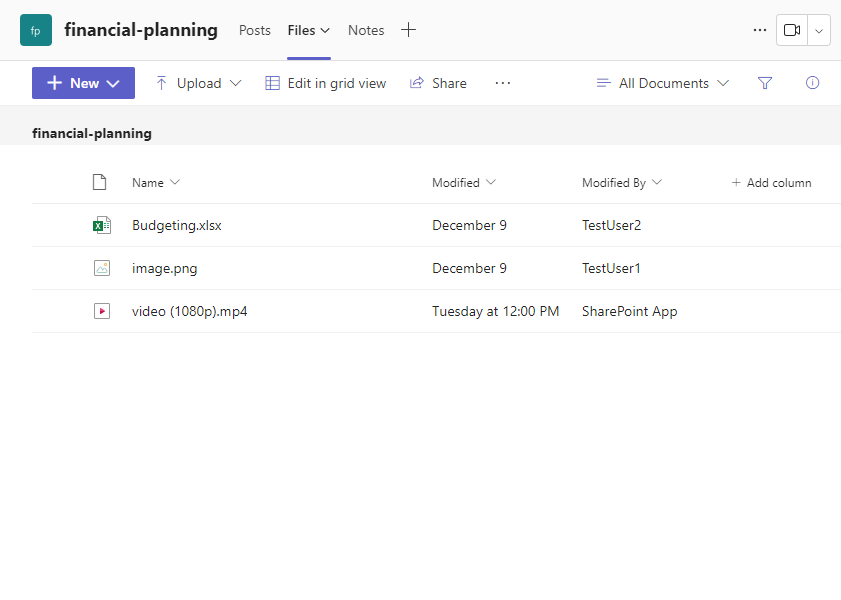 |
| Conversation Emojis | All emojis are converted to Teams Fluent emojis Before Migration:  After Migration: 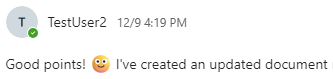 Custom emojis cannot be imported to Teams. Microsoft do not support custom emojis: link For further explaination check our dedicated documentation page: link |